Email Formatting Open@2x

Overview

Starbridge now optimizes email deliverability for every sequence automatically. Plain text emails land in more inboxes than HTML-heavy ones, which makes plain text the right default for outbound. The catch is that a message with links or formatting breaks when it’s sent as plain text, and until now it was easy to leave a plain text toggle on for a sequence that contained them. Sequences now choose for you. Starbridge sends plain text whenever it can and switches to rich text only when a sequence needs it. Reps and builders no longer have to guess which one to pick, and we remove the risk they’ll accidentally send rich text emails as plain text.

What builders experience

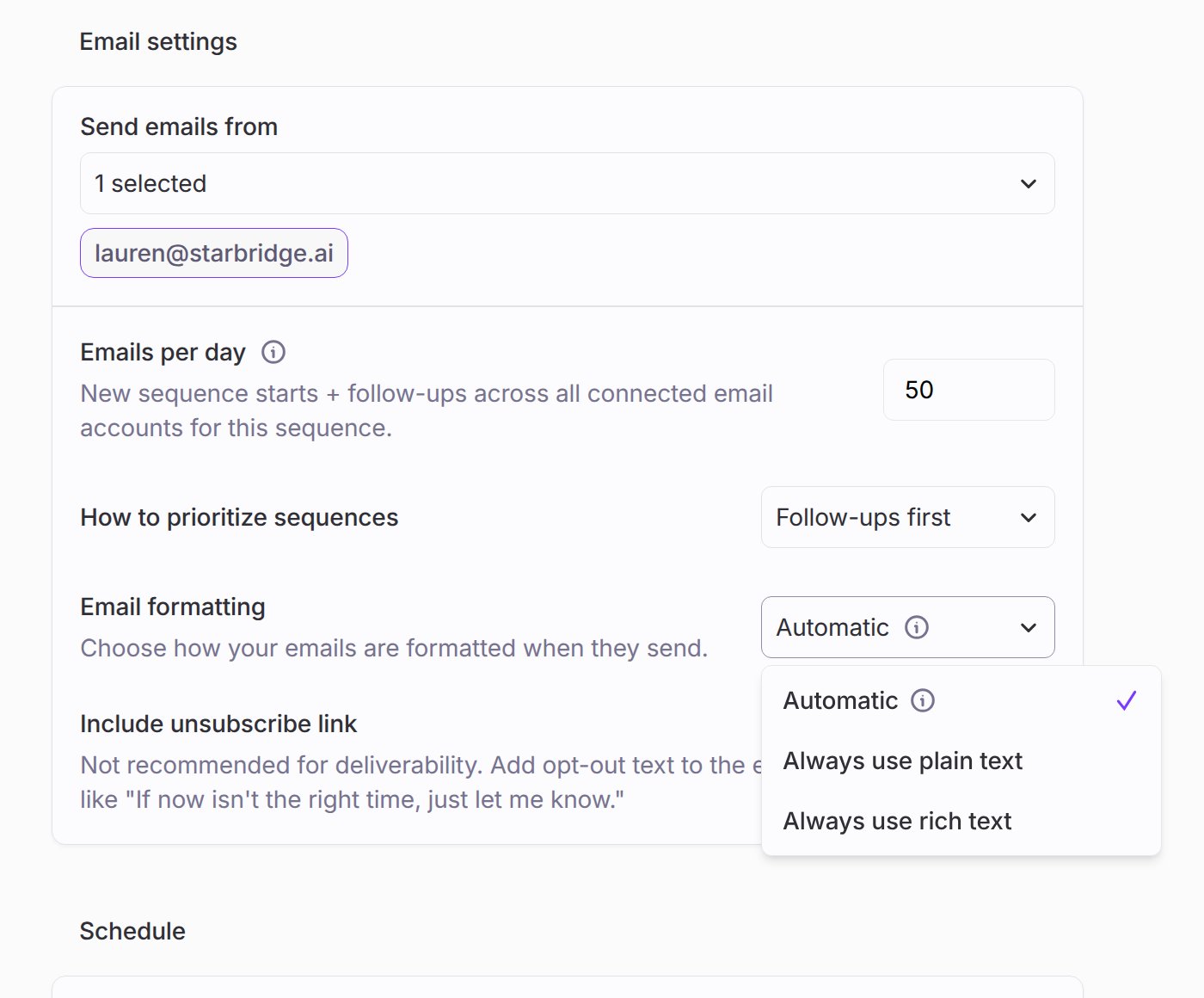
Each sequence has a new Email format setting with three options. Automatic, the default, sends plain text unless the sequence contains rich text, such as a link, bold text, or a list, and then sends rich text. Plain text always sends plain text, and Rich text always sends rich text.

What reps experience

One-off sequences always send in Automatic format, so you get the deliverability of plain text without flattened links.

Get started

Open a sequence’s Settings tab to review its Email format. Automatic suits most plays, so most teams can leave it as is. For when to choose each option, see Send settings and exclusions. Reach out to your GTME or support@starbridge.ai with questions. Released 2026-11-04.