

Overview
Every bridge search now asks how tightly you want your results scoped. Choose Informative to catch every mention of your search topic, or Actionable to see only the results that are worth acting on right now. The choice changes the scoring criteria Starbridge generates behind the scenes, so the volume and precision of your bridge match what you’re actually using it for.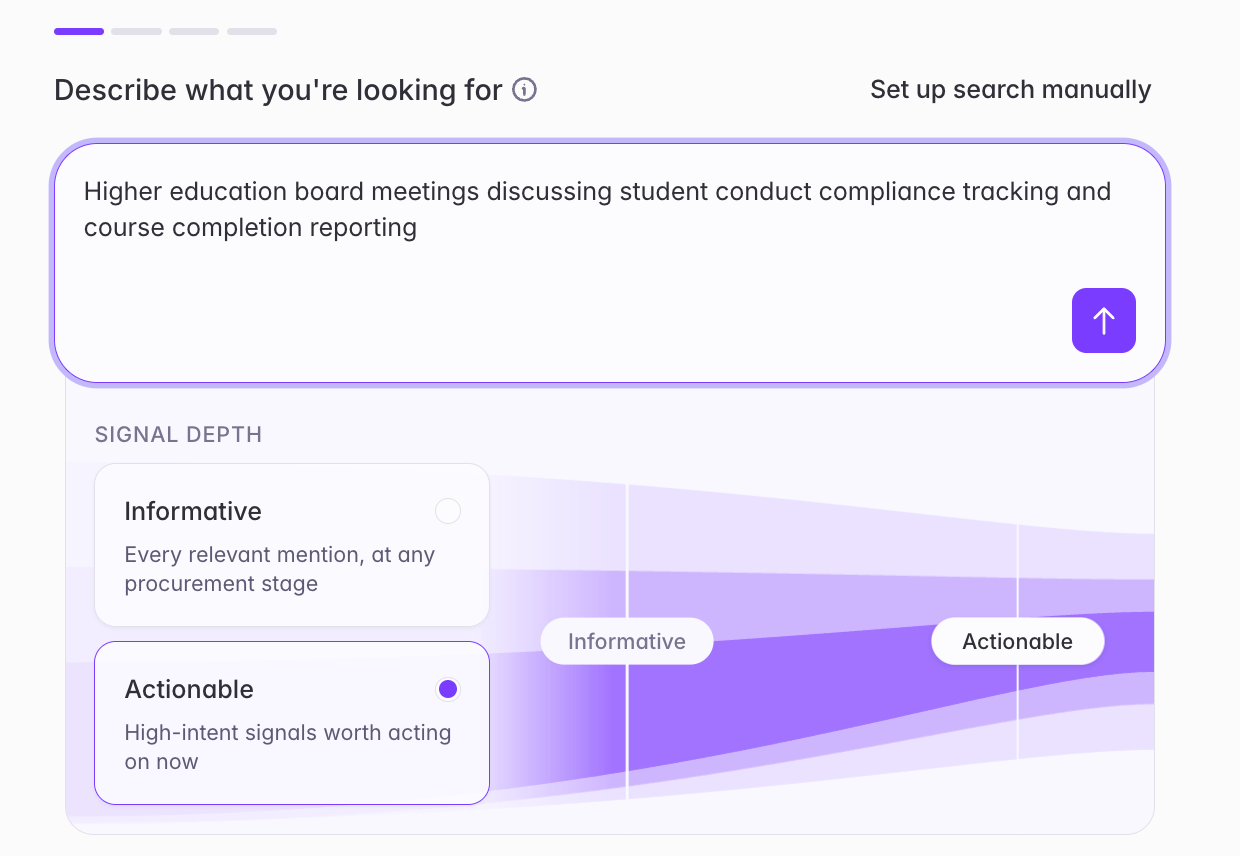
What builders experience
Right on the Describe what you’re looking for step - before Starbridge even generates your structured search - you’ll now see a Signal depth selector with two options:- Informative — Every relevant mention, at any procurement stage. Choose this when you want broad awareness of everything happening in a space, not just the moments to act on.
- Actionable — High-intent signals worth acting on now. Choose this when you only want to see super-timely results, like signals appearing early in a procurement process before a vendor has been formally selected.