Overview
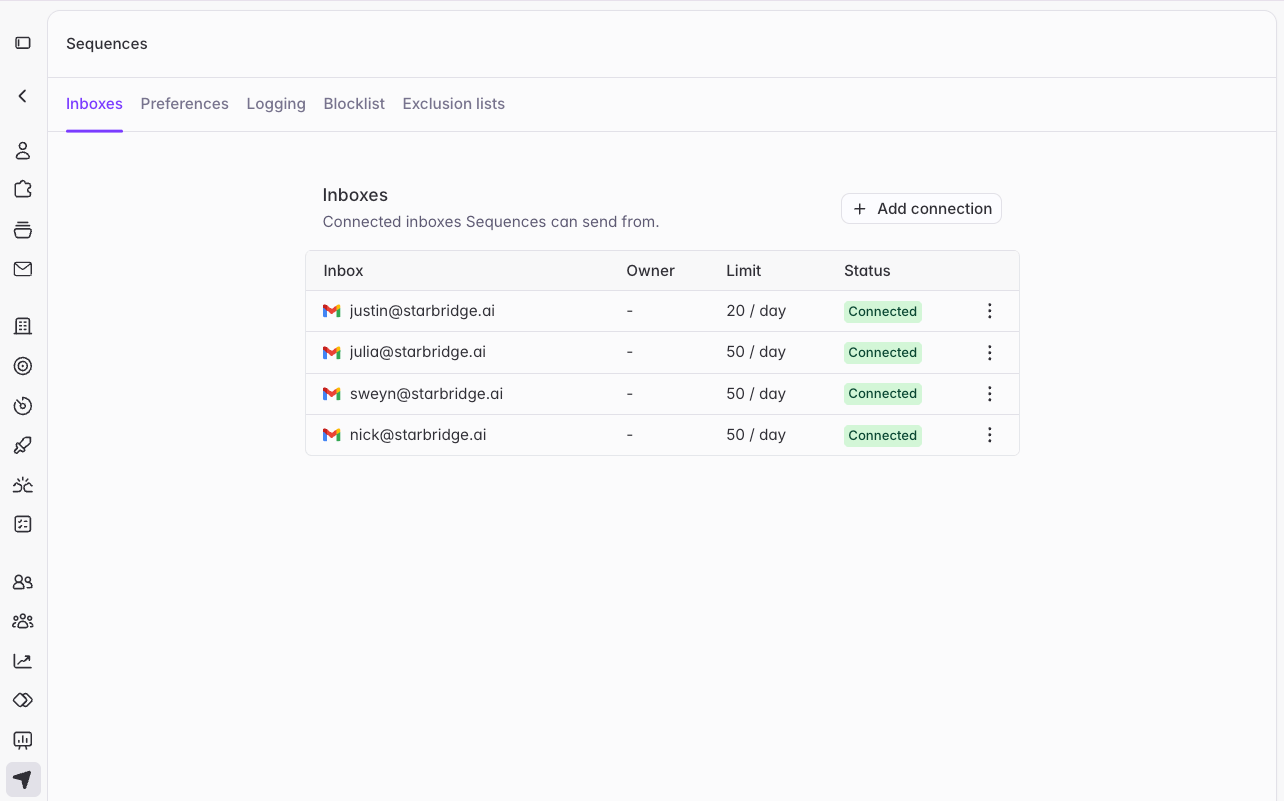
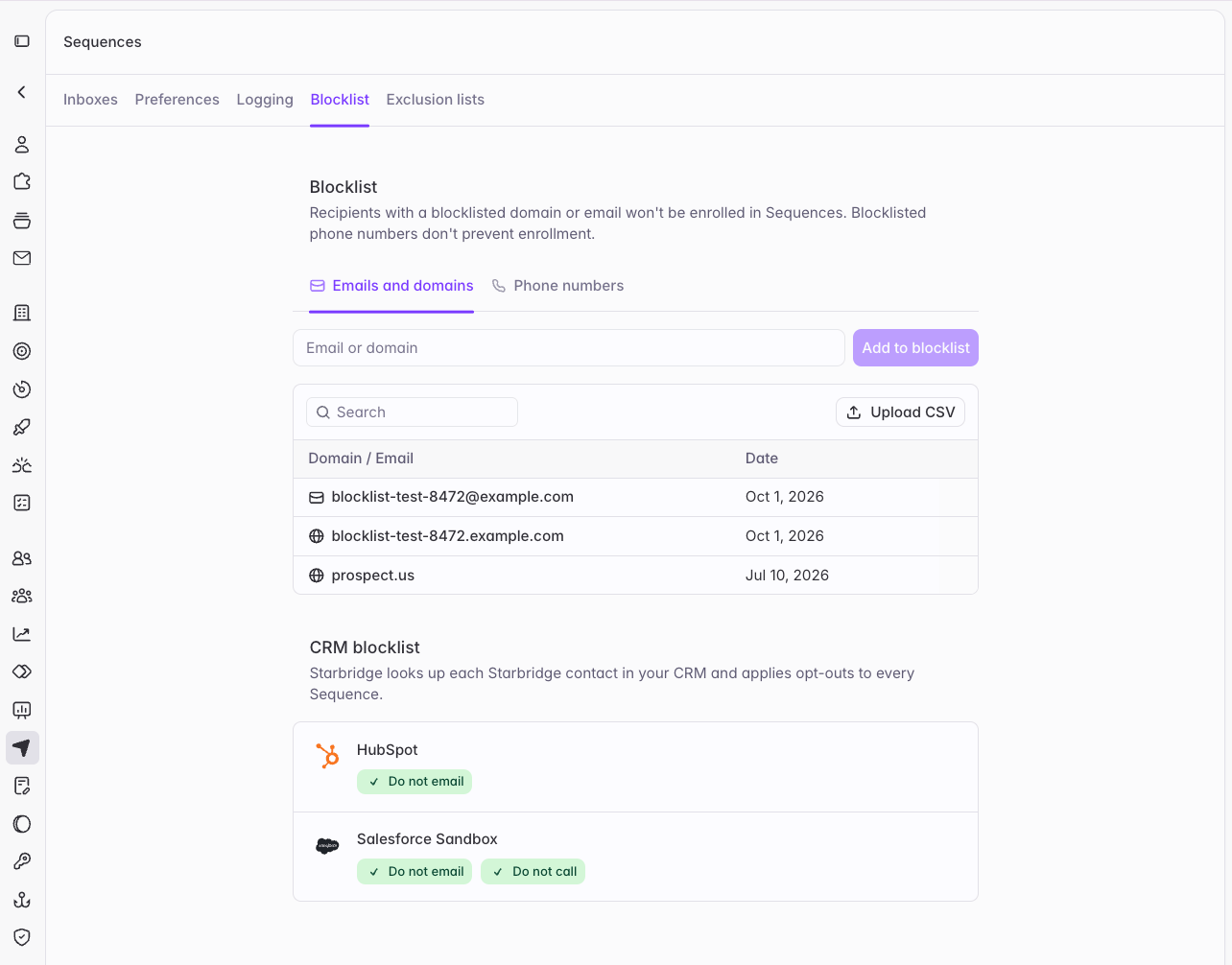
Starbridge drafts your team’s emails, call scripts, and LinkedIn messages. Until now, only admins could customize Starbridge’s message generation, and only for the whole organization. Now every user can set their own message generation preferences, and admins get a rebuilt Sequences settings page that puts everything outbound in one place.What reps experience
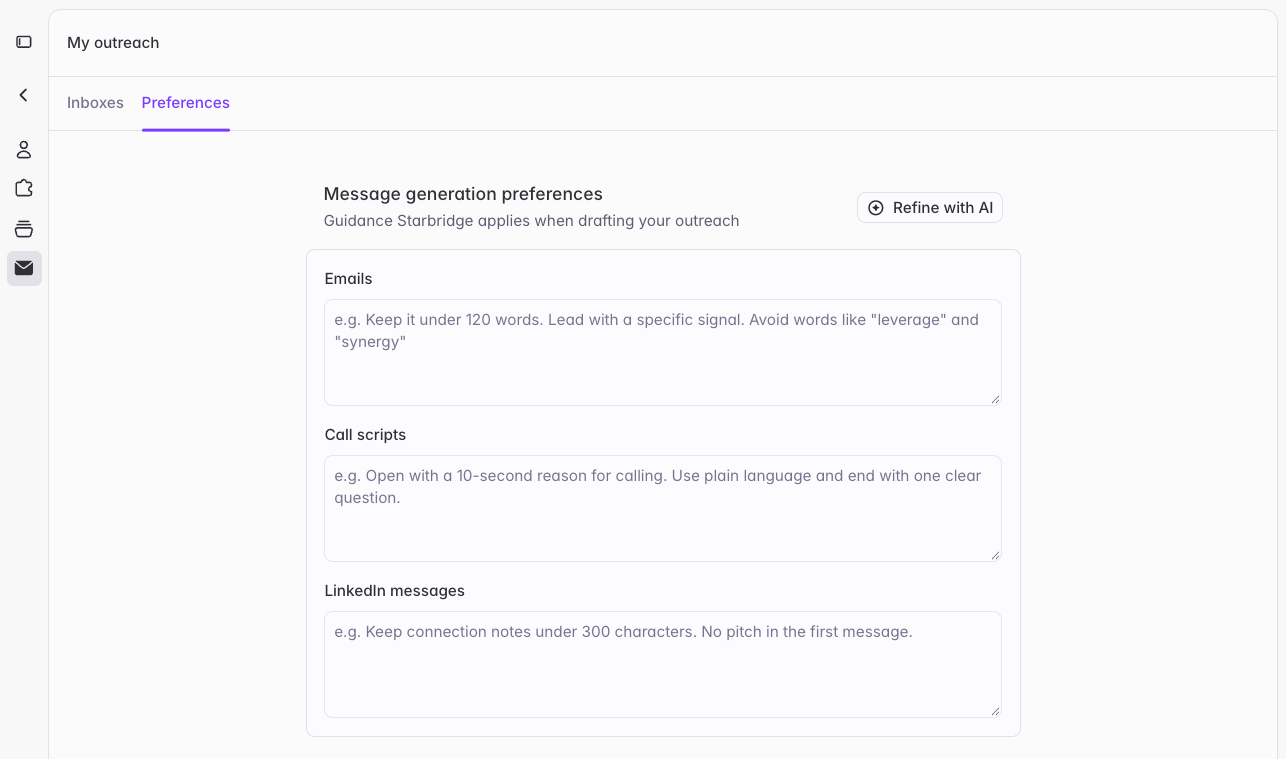
Personal message generation preferences. Each user can tell Starbridge how they like to write: how long messages should run, the tone to take, words to avoid, how to close. Starbridge applies those preferences whenever it drafts outreach for you. Guidance for every channel. Preferences now come in three fields: Emails, Call scripts, and LinkedIn messages. Each channel has its own guidance, so a rule like “keep messages under 100 words” for email doesn’t shorten your call scripts. A cleaner My outreach page. Your inboxes, send settings, and message generation preferences now sit together on a tidier My outreach page in Settings.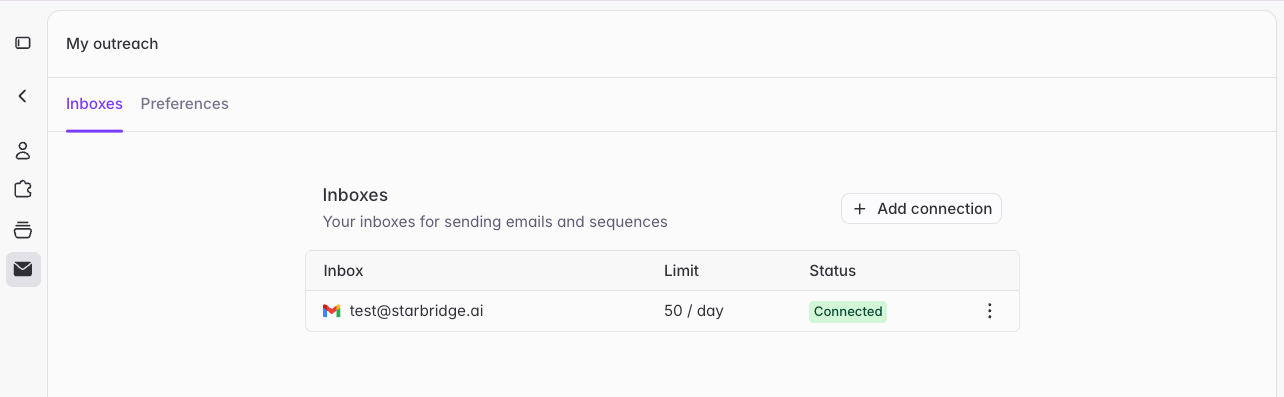
What admins get