

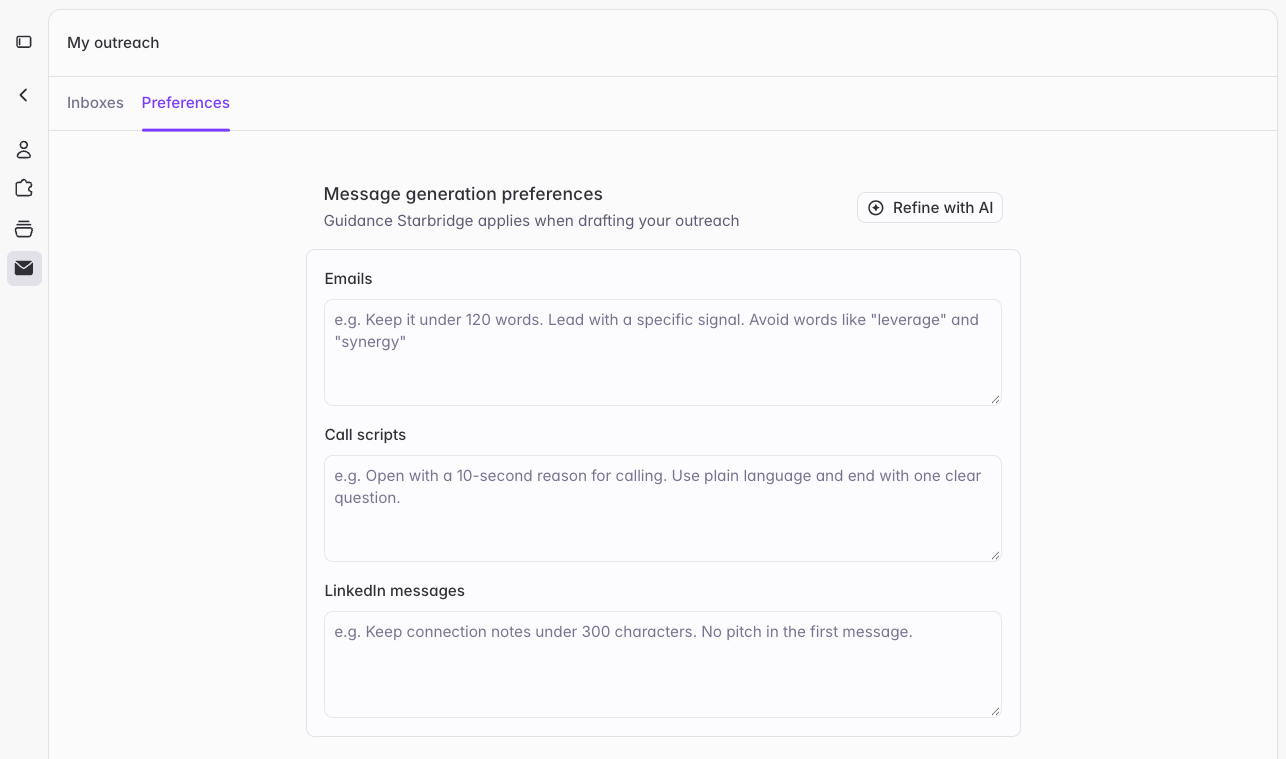
Where to set them
One field for each channel
At both levels, preferences are split into Emails, Call scripts, and LinkedIn messages. Starbridge applies each field only to its own channel, so guidance for emails doesn’t change how your call scripts read. Email preferences apply to every email Starbridge drafts, including sequences, the Personalized Outbound Email column, and emails from Ask Starbridge. Call script preferences apply to scripts you generate with the Generate Cold Call Script column. LinkedIn preferences apply when you ask Starbridge to draft a LinkedIn message.How personal and organization preferences combine
Starbridge follows your personal preferences first, then your organization’s, then its own defaults. Where a personal preference conflicts with an organization preference, the personal one wins. Everything that doesn’t conflict still applies. For example, imagine your organization’s preferences include “Never mention pricing” and “Keep messages under 120 words,” and a rep adds “Keep messages under 80 words.” That rep’s messages come out under 80 words and still never mention pricing.Refine with Ask Starbridge
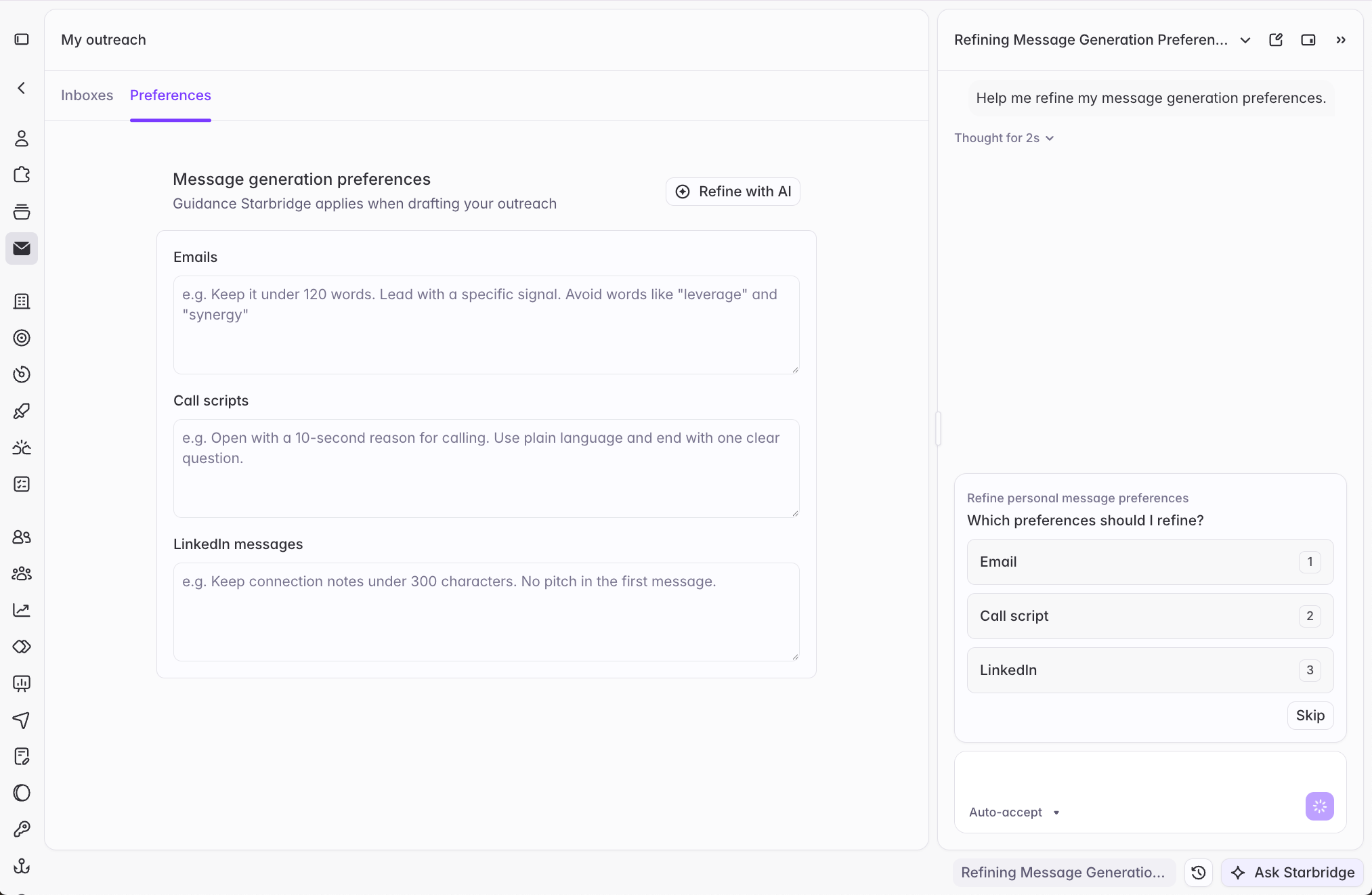
What to write
Write preferences as instructions you’d give a writer, not as a description of your company. Your Organization Profile already covers that. Good preferences cover tone, length, structure, words to avoid, and preferred calls to action.Example: emails
Example: emails
Write in a professional but conversational tone. Keep messages under 120 words and use short paragraphs, with no walls of text.In a first email, lead with the signal or trigger event, then connect it to the buyer's likely priority. Don't open with an introduction of who we are.Reference the signal at a general level: the topic or action, and a season or rough timeframe if it reads naturally. Don't cite the specific meeting, hearing, agenda item, or document it came from, and skip exact dates. Nothing should read like you're watching them closely or surveilling them.Refer to the account the way someone local would say it, not its full formal name. Drop suffixes like "Unified School District" or "Inc." unless the short form would be ambiguous.Avoid corporate filler like "leverage," "synergy," "circle back," and "I hope this email finds you well." Never mention pricing or discounts.Only name a reference customer if it's genuinely relevant to the recipient's role and organization type.Close with a low-friction ask, like a question or a 15-minute suggestion, not a hard meeting demand.Example: call scripts
Example: call scripts
Open with one sentence on who I am and why I'm calling, then ask whether now is a good time.Keep voicemails under 20 seconds and end with my name and number.Example: LinkedIn messages
Example: LinkedIn messages
Keep messages to two or three sentences. Don't pitch in the first message.Mention the signal that prompted the outreach, and end with a question.Where to go next
Connect your inbox
Connect Gmail or Outlook and set your personal send settings.
Send settings and exclusions
Configure sending volume and schedule, and keep the wrong people out of your outbound.