

Overview
A territory in Starbridge controls which buyers a user sees signals for — in their feed, their email digest, and across bridges. Every user should have a territory that reflects their book of business. Once a territory is set, Starbridge filters every view to that user’s accounts by default. Their feed surfaces signals only from buyers in thier territory. Their email digest covers only their accounts. When they open a bridge, results are scoped to their territory. Reps can research or ask questions about any buyer, regardless of their territory — but the default keeps the noise out so reps start every session focused on what matters to them. There are two ways to set up territories in Starbridge, and they’re not mutually exclusive. Most organizations use one or both depending on the role.The two approaches
Account ownership territories
Starbridge reads account ownership directly from your CRM accounts and automatically maintains a territory for each rep. When accounts are reassigned in your CRM, territories in Starbridge update automatically overnight. Use this when a user’s territory is defined by who owns an account in the CRM — for example, an Account Owner, BDR Owner, or SDR Account Owner field on the account object. This is the right approach any time territory = “accounts where this person is listed as the owner.” This approach requires account matching (linking your CRM accounts to Starbridge buyers) and user matching (linking your CRM users to Starbridge users) before territories can be generated. See Account matching and CRM-synced territories for setup details.Buyer list territories
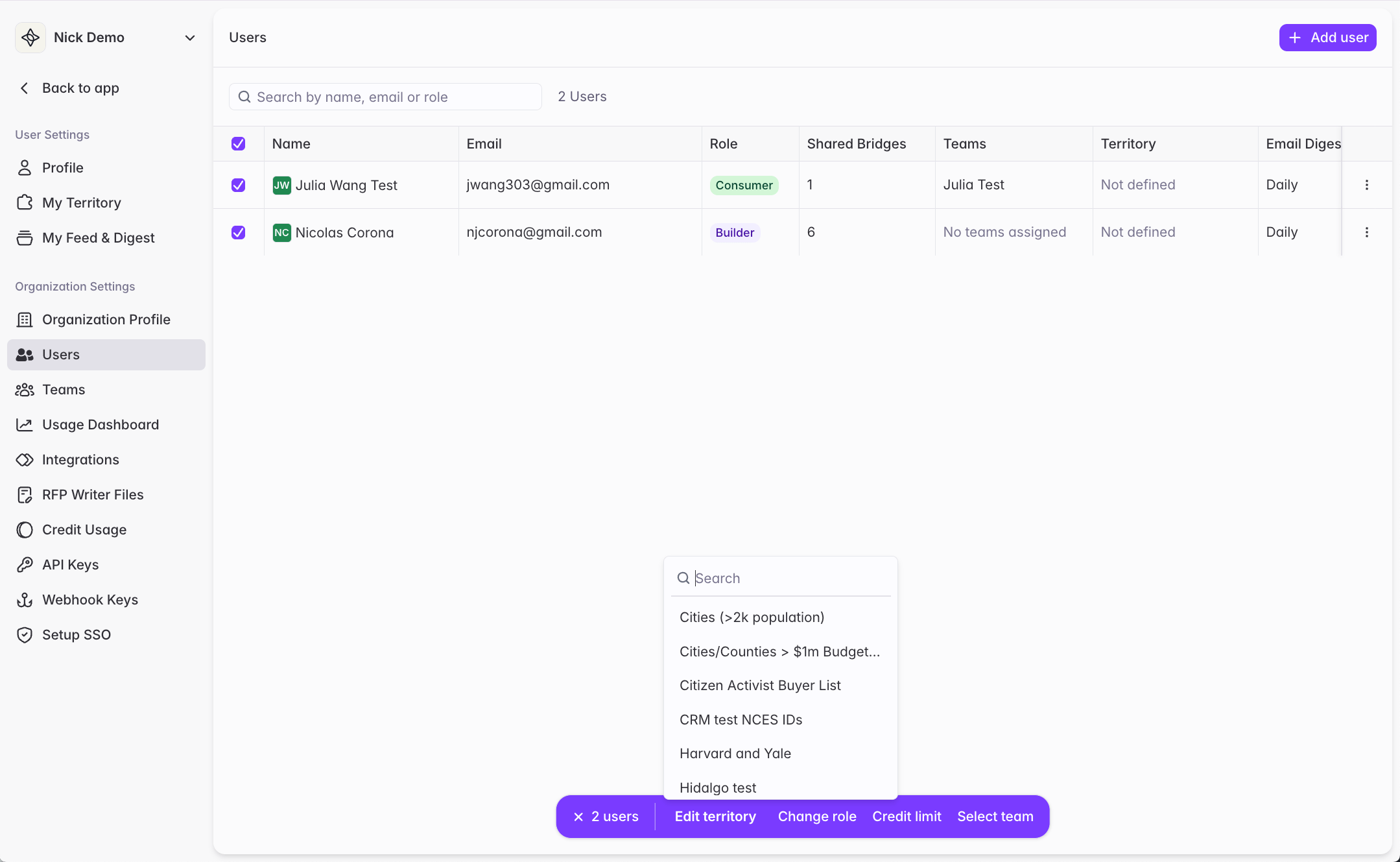
Assign a buyer list to a user as their territory. Use this when a user’s territory is best described as “a specific list of accounts” rather than “accounts assigned to them in the CRM.” Buyer list territories can sync dynamically from your CRM, or can be defined geographically or in terms of buyer attributes when territory boundaries are stable or defined outside your CRM. Buyer lists come in three forms:- Dynamic list — built using Starbridge filters (state, buyer type, enrollment, budget, etc.). Updates automatically as Starbridge’s data changes, but does not reflect CRM ownership.
- Static list — a fixed list of accounts. Good when you know exactly what accounts should be in the list.
- CRM-synced list — created directly from a Salesforce List View or HubSpot Segment (List). The accounts in the Starbridge list reflect the accounts in your CRM list; use the Resync button to pull in changes. Good when your territory definition already exists as a list in your CRM. See CRM-Synced Buyer Lists.
How to choose
The two approaches aren’t mutually exclusive — each user can only have one territory, but different users on the same team can use different approaches (account ownership versus buyer list).