Introduction
In this release, we’ve streamlined the process of configuring columns in Bridges as well as preparing for Buyer meetings. We’re introducing the Use AI to Create a Column feature and the Chat with Buyer feature within the New Buyer Homepage.- The Use AI to Create a Column feature lets you simply describe the information you want, and Starbridge generates the correct column setup, from extracting attributes (e.g., RFP due dates) to building AI Analysis prompts (e.g., anticipated funding shortages), in seconds.
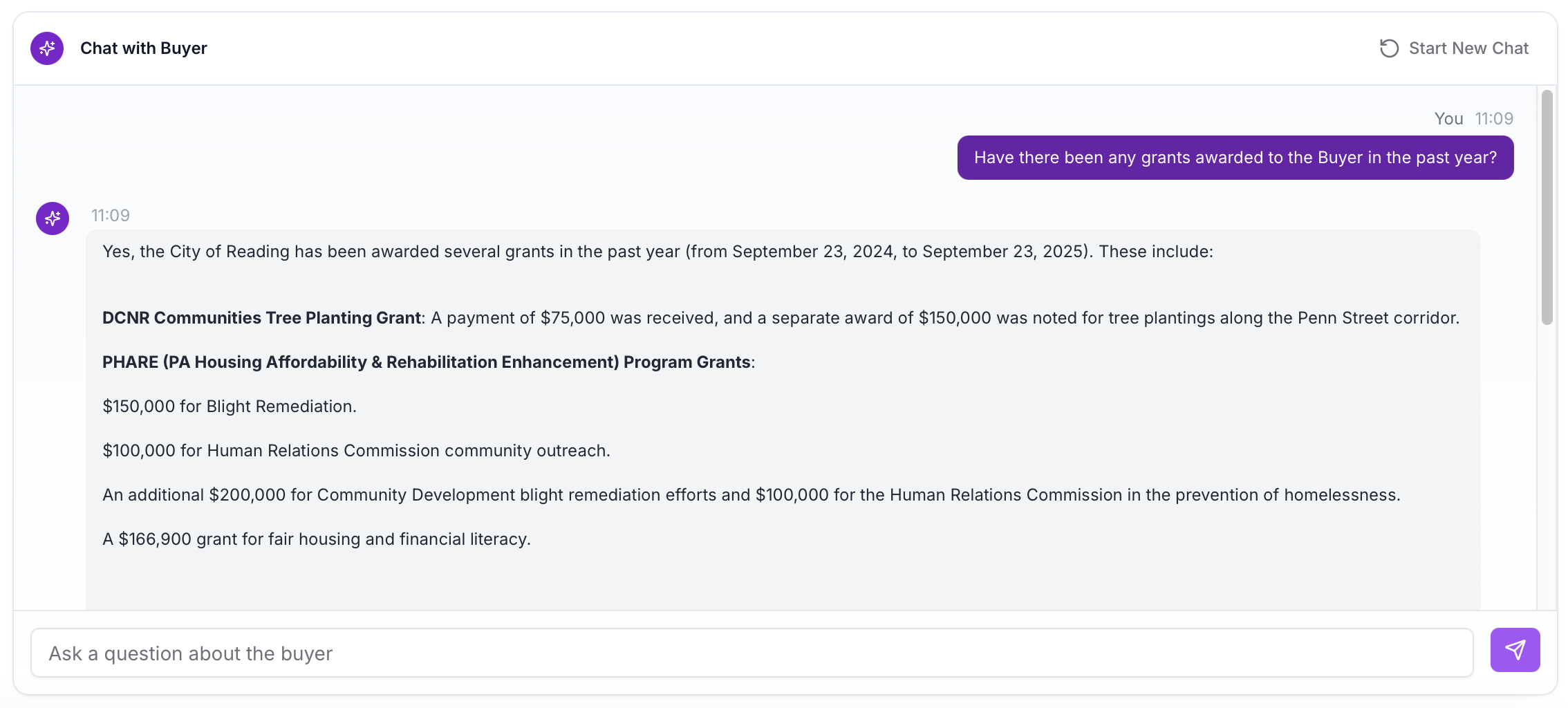
- The Chat with Buyer feature, located in the New Buyer Homepage, brings all your Buyer insights into one place and lets you ask questions directly in the Buyer View, returning targeted answers powered by Starbridge data and, when needed, the web.
Use AI to Create a Column
Our new Use AI to Create a Column feature now allows you to simply describe the information you want within a column, and Starbridge will generate the right setup for you. From extracting attributes like RFP due dates to building AI Analysis prompts such as anticipated funding shortages, this feature turns short natural language inputs into ready-to-use columns in seconds. Learn more about this feature by visiting How to Create a Bridge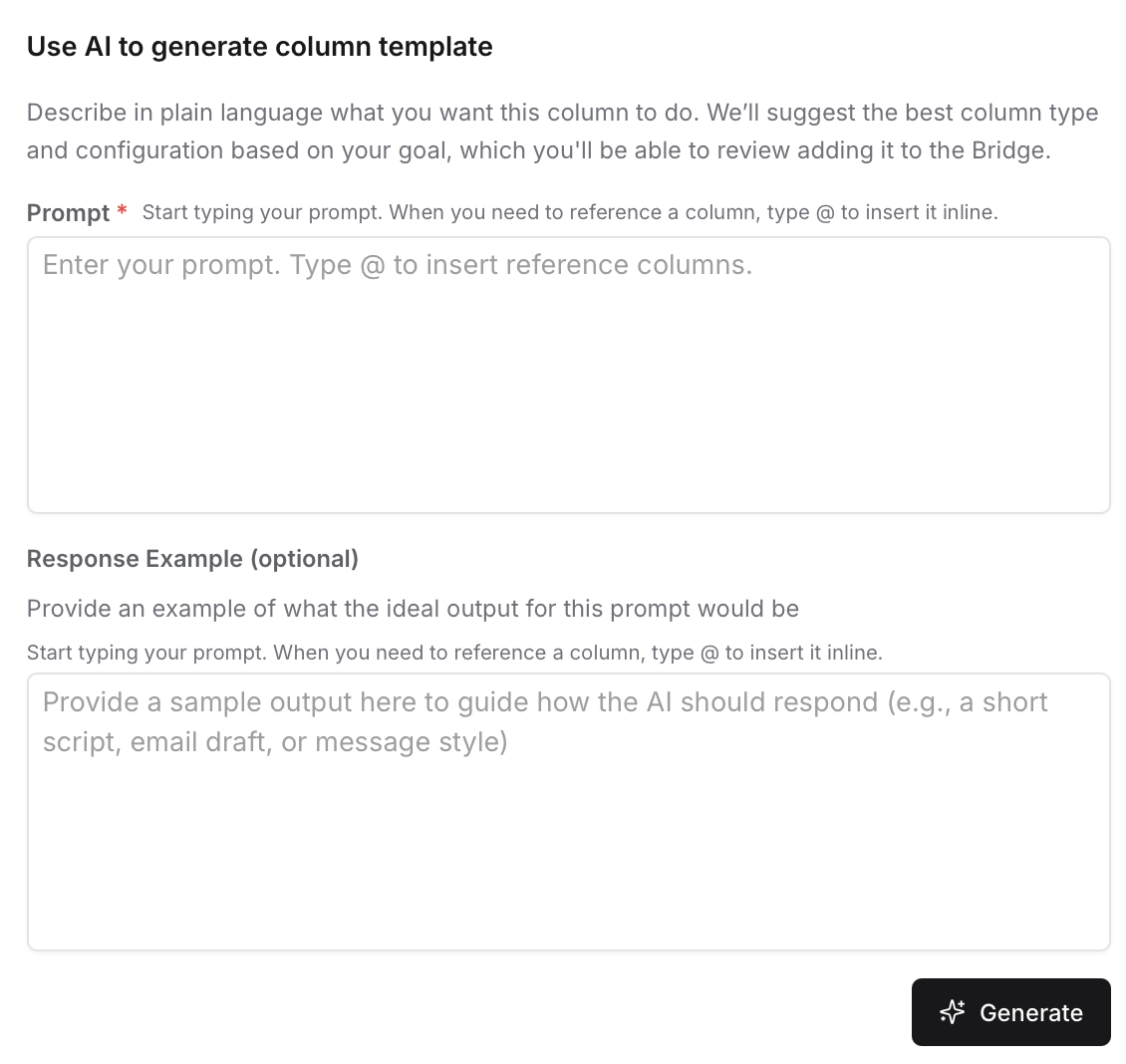
New Buyer Homepage
The New Buyer Homepage brings together everything you need to know about a Buyer in one place. See key Buyer data at a glance, quickly navigate parent/child relationships, and use the new Chat with Buyer feature to get instant, targeted answers powered by Starbridge. This makes meeting preparation faster, easier, and more effective.
Chat with Buyer
Our new Chat with Buyer feature makes it easy to get an answer to any question about a Buyer, right from the new Buyer View. Conveniently available as soon as you open a Buyer record, it searches across all Starbridge data and performs a web search if needed, ensuring you always get the most complete and correct answer possible. This streamlines access to critical insights and helps you prepare for meetings quickly and confidently.