

How enrichment works
You add an enrichment from inside any Bridge: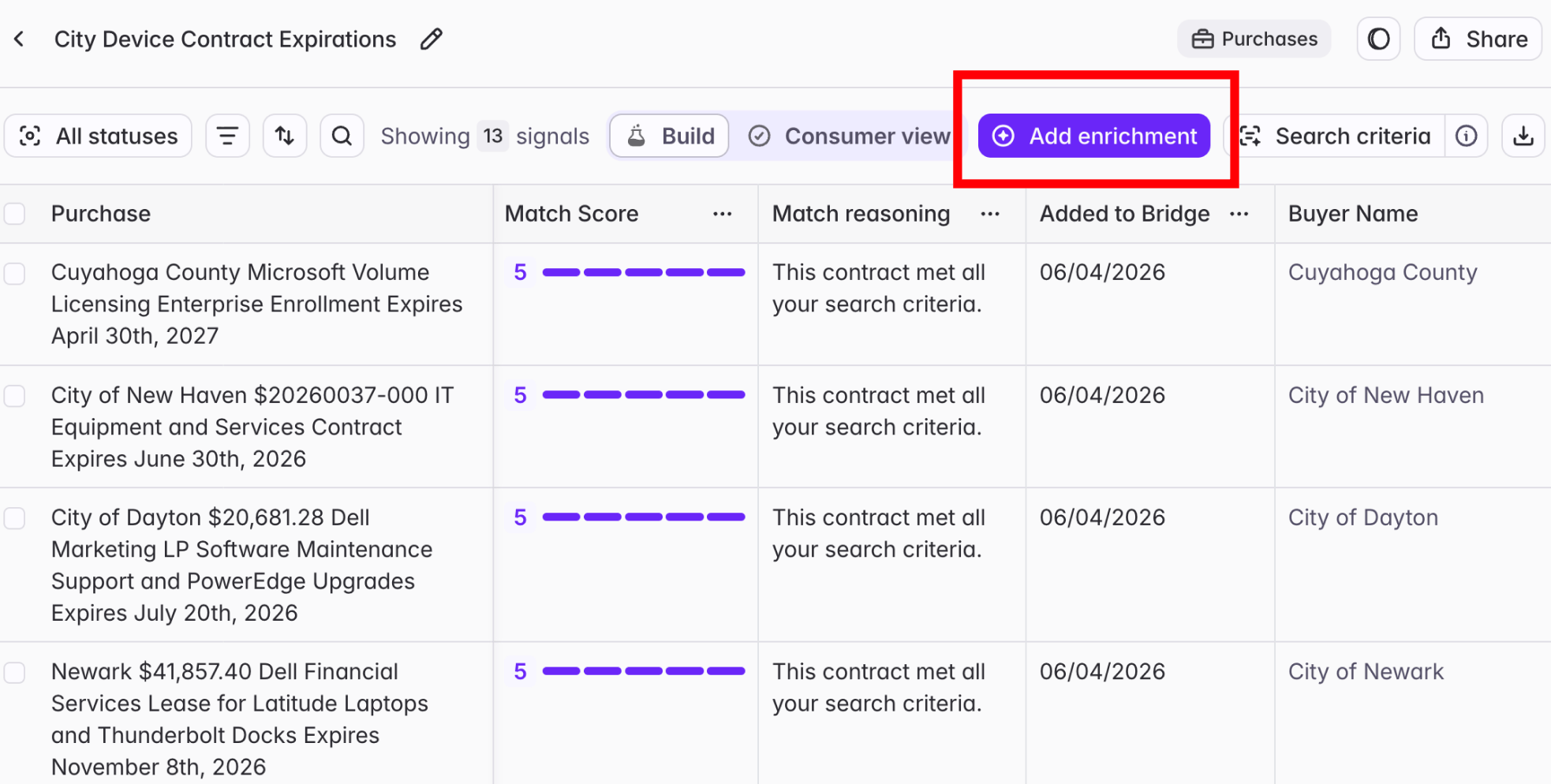
- Click “Add enrichment”
- Select the column type you want
- Test on the first 5 rows to check output
- Run all rows
Types of columns
Bridge-specific columns
Enrich the Bridge signal or entity itself (e.g. the date of a job change announcement for a Job Change Bridge, the population of a city in a Buyers Bridge, etc.)
Vendor presence column
Pulls the vendors, products, or competitors a buyer works with.
Custom AI columns
Analyze your Bridge using natural-language prompts. You can generate account scores, qualification insights, outreach recommendations, call prep notes, and more.
Web Agent columns
Search the open web for buyer-specific data you can’t find anywhere else in Starbridge, for every row at once.
Personalized Outreach column
Generates emails tailored to every account, with the flexibility to combine our own copy with dynamic variables and AI snippets rooted in each signal.
Reference columns
Bring data from one Bridge into another. For example, show recent meetings signals inside a Buyer Bridge to get a more complete view of each account.
CRM enrichment columns
Sync data from Starbridge to your CRM, and reference fields from your CRM inside Starbridge, keeping account and contact data current in both places.
Related articles
How to Create a Bridge
The full builder walkthrough, including every column type in detail.
AI Analysis Example Prompts
Prompt ideas for getting the most out of AI Analysis columns.
How Do Credits Work?
How enrichment consumes credits across column types.