Screenshot 2026 09 16 At 7 19 36 PM

Overview

Your CRM is your system of record for outbound activity. If your team runs Sequences, Starbridge now keeps your CRM up to date automatically, instead of leaving Sequences activity to live only in Starbridge.

What builders experience

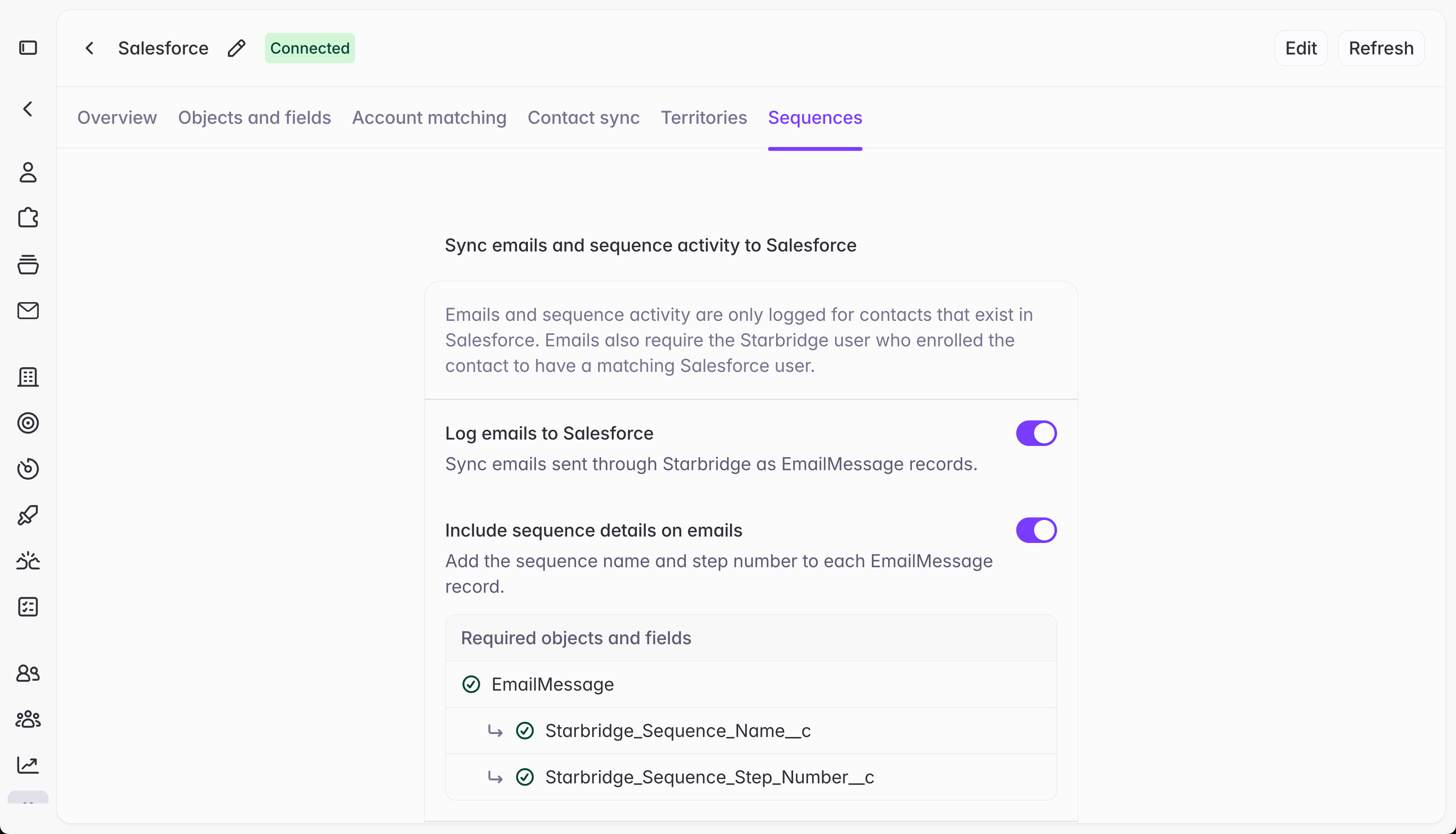
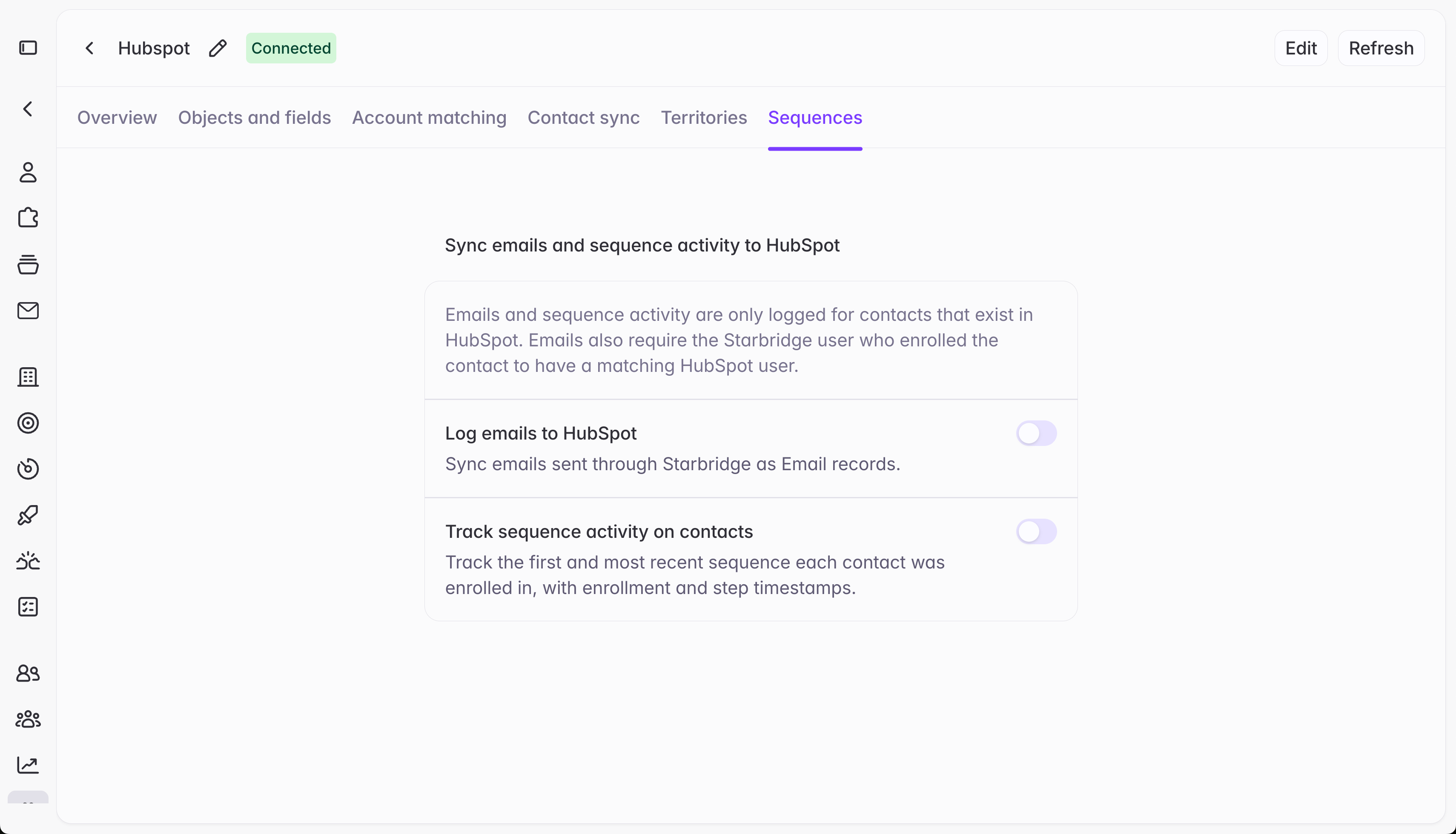
Log emails to write every sequence email, and its direct reply, into Salesforce or HubSpot as a native email activity record. Sequences emails show up right alongside every other touch your team logs, so a rep never misses context on a contact or account.
Screenshot 2026 09 16 At 7 20 32 PM
Track sequence activity on contacts to track which sequence first and most recently touched a contact, and when. Build reports or list views in Salesforce or HubSpot to visualize Starbridge’s influence on reply rates and meetings booked, and measure how a specific sequence or campaign is performing over time, directly from your CRM rather than switching back to Starbridge to check.

Get started

Go to Settings → Integrations → [your CRM] → Sequences to turn either capability on. For full setup instructions, including the custom fields to add for deeper reporting, see Email logging. Reach out to your GTME or support@starbridge.ai with questions.