Overview
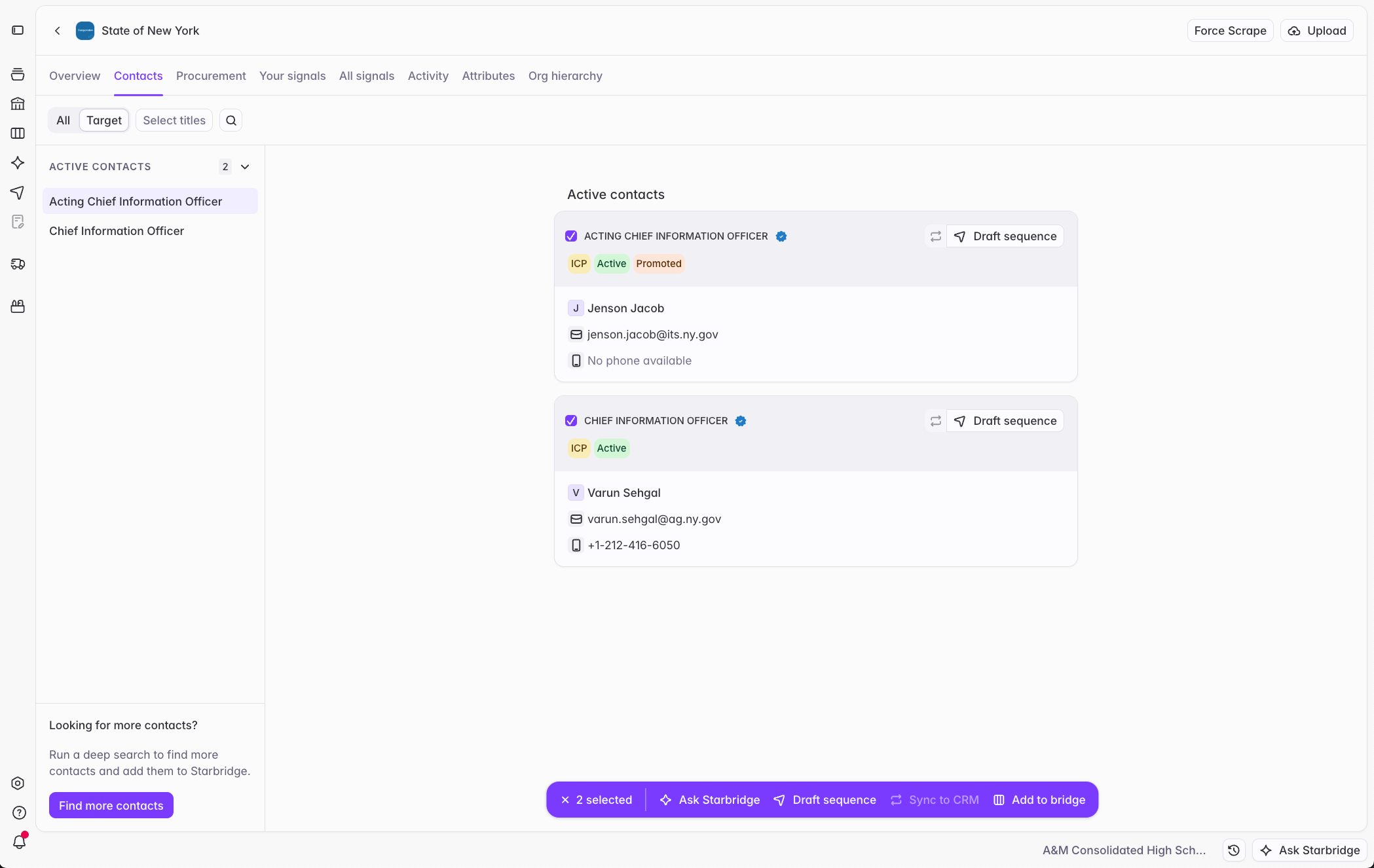
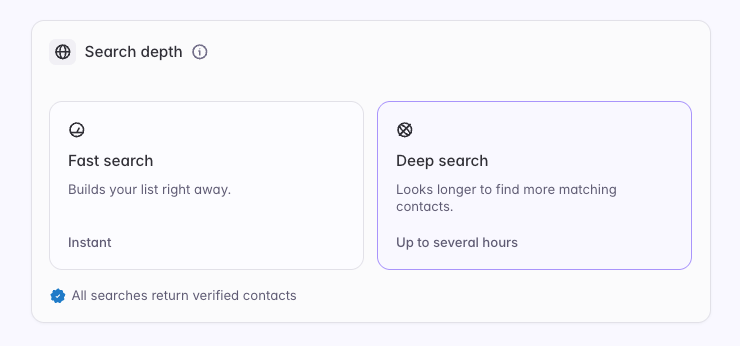
Now, reps can build lists of contacts and action them in one session. Until today, a contacts bridge ran a web search that took anywhere from 15 minutes to several hours before a rep could act on its results. Contacts bridges now offer a Search depth choice: Fast search builds the bridge right away from verified contacts Starbridge already has, and Deep search runs a comprehensive web search to find more. Once the contacts are in front of them, reps can select any set of them on a contacts bridge or a buyer’s Contacts tab and take action: draft a sequence, sync to the CRM, save them to a contacts bridge, or ask Starbridge about them.What becomes possible
Build a list and start a sequence in the same sitting. A rep who wants the curriculum directors at 30 target districts runs a fast search, sees the exact contact count and credit cost before building, and enrolls the results in a sequence a minute later. Curate while you research. Reviewing a buyer, a rep selects the three people worth pursuing, saves them to a contacts bridge for later, drafts a sequence for them, or asks Starbridge what they care about.What builders experience
Contacts bridge setup has a new Search depth card. Starbridge recommends Fast search or Deep search based on how many of your target buyers it already has matching contacts at, and how recently it searched the rest. Every contact is verified by Starbridge. You can now make more granular selections for the contact information you’re looking for from your contacts. The Has email checkbox under Search preferences has changed to a dropdown: Has email, Has phone, Has email or phone, or All contacts. In any contacts bridge, select contacts to Draft sequence, Sync to CRM, Add to bridge, or Remove from bridge.What reps experience